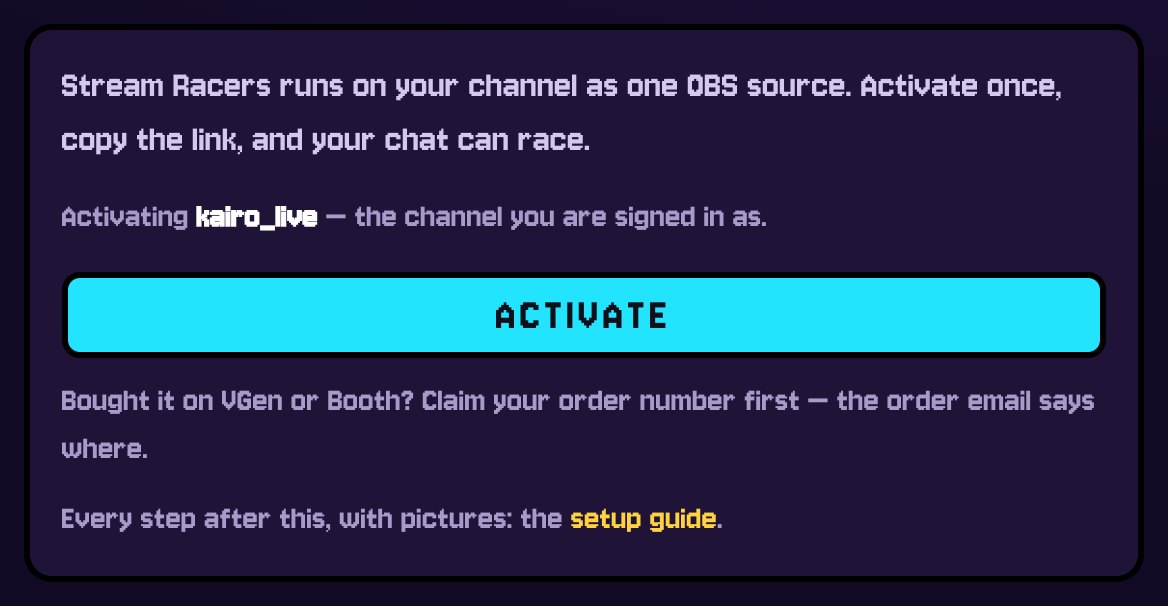
ACTIVATE
Your purchase has already put your channel on the list. Open the Studio, sign in with Twitch as that channel and press ACTIVATE. Once is enough.
- Etsy: it is the channel you wrote at checkout - switched on by itself within a few minutes.
- VGen or Booth: claim your order first at lokyo.art/claim with the order number.
- Typed the channel wrong? lokyo.art/fix moves it, as long as it was never activated.
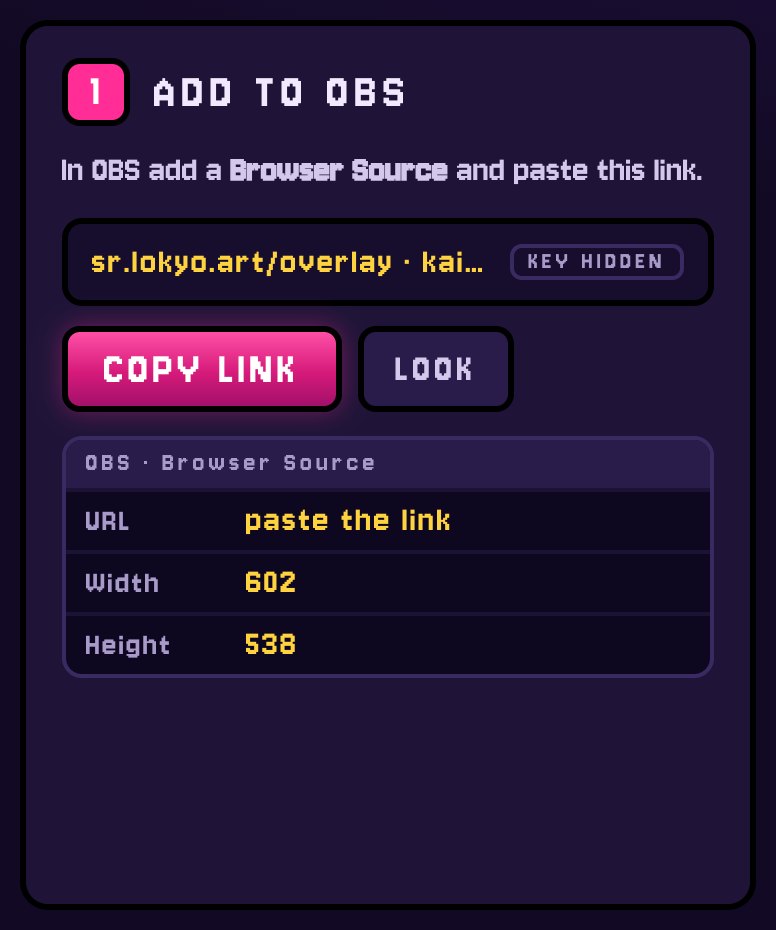
ADD TO OBS
In the Studio's SETUP tab press COPY LINK. In OBS: Sources → + → Browser, paste the link, and type the width and height the Studio shows - 602 × 538 at the default size.
- One source for every race: duels, group races and cups all open in it.
- It works the same in Streamlabs and any app with a browser source.
- The link carries your channel's key, so the Studio never shows it in full. Keep it private. If it leaks, NEW LINK makes a new one and the old one stops.
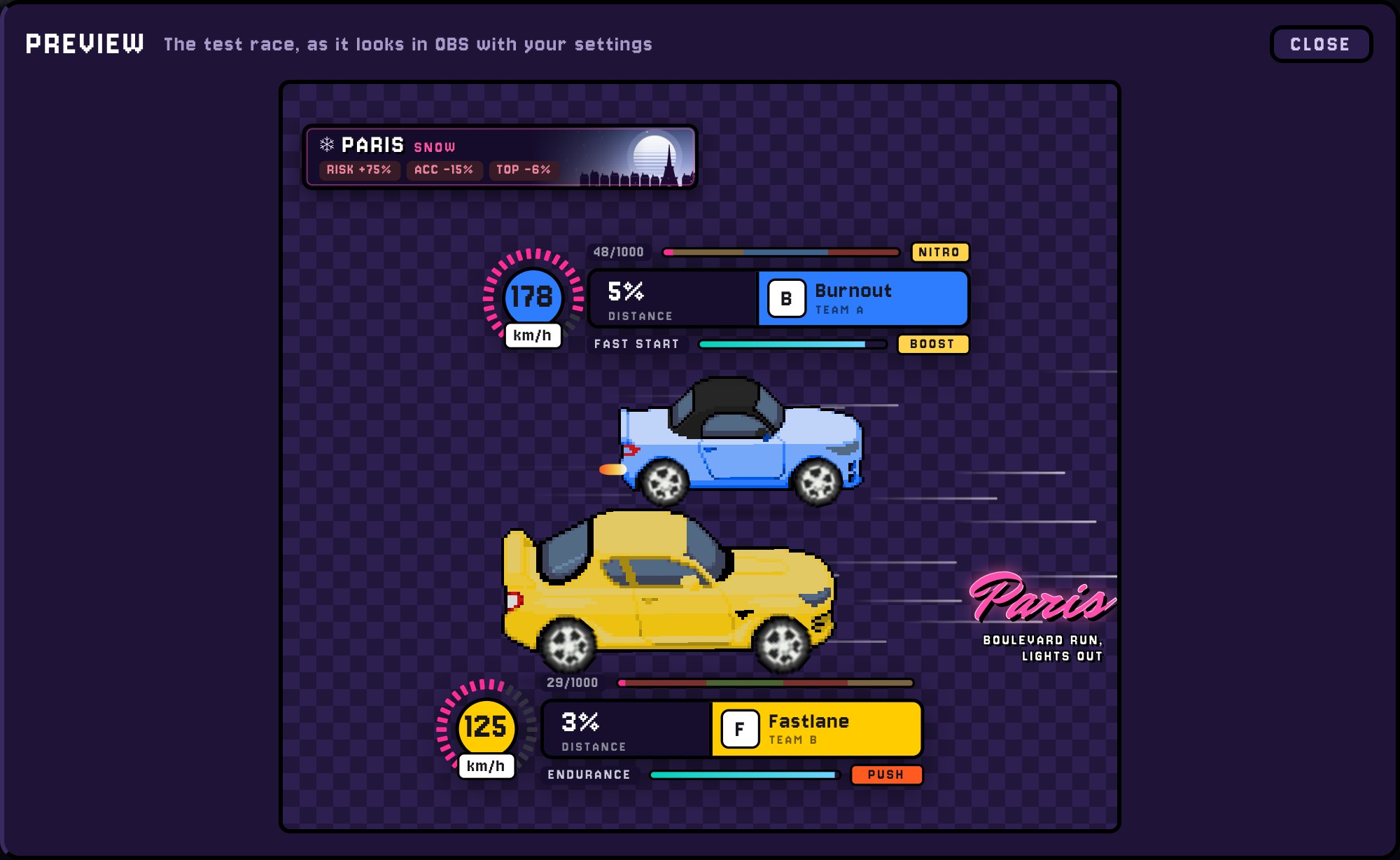
TEST IT
Type !testrace in your chat. Two house cars race on the overlay,
then it goes empty again. That is your overlay working.
- PREVIEW HERE in the Studio plays the same race without OBS.
- Type it as yourself or as a mod - viewers cannot start races.
- Nothing on stream? See If something is wrong.
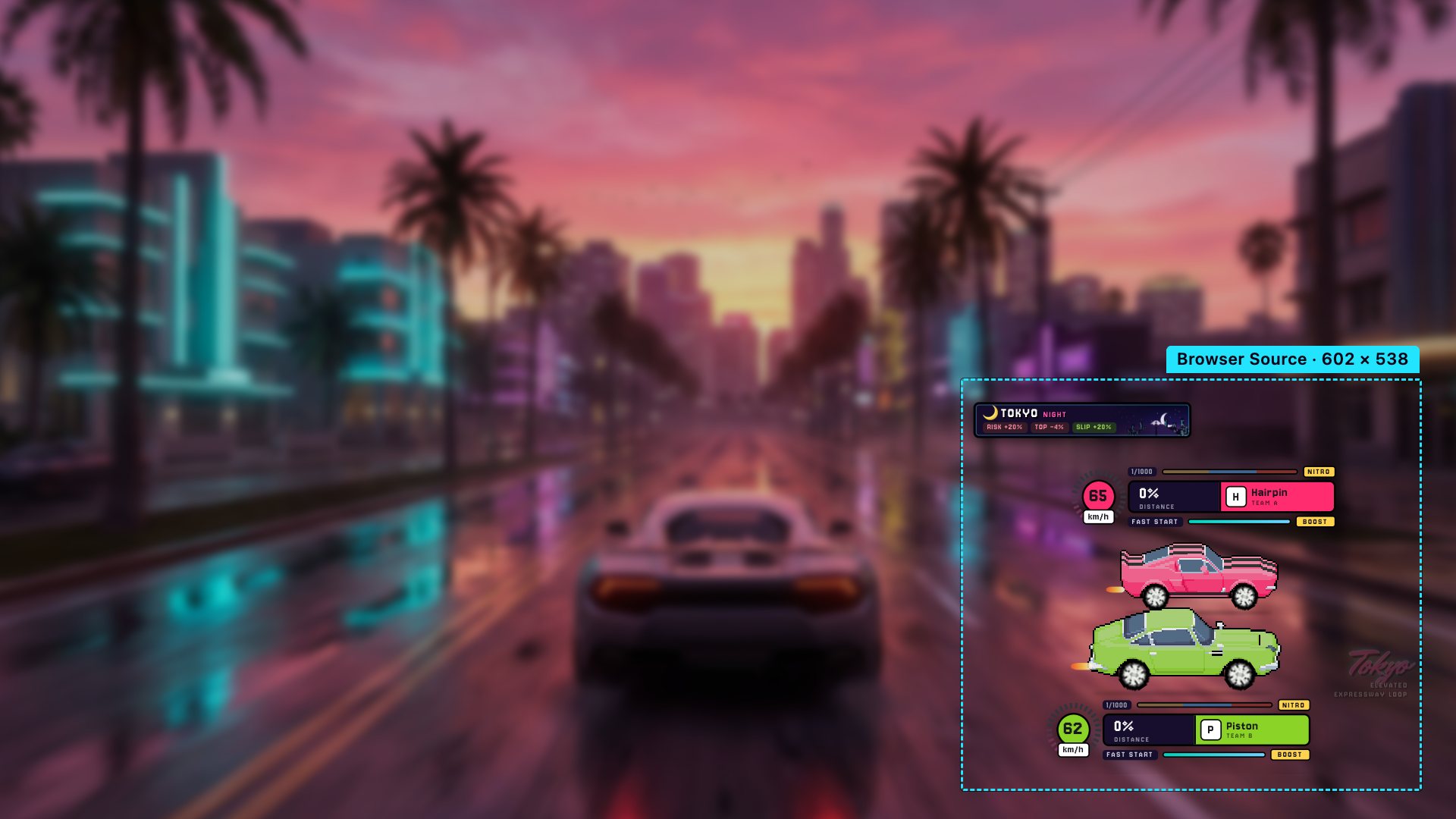
ON YOUR SCENE
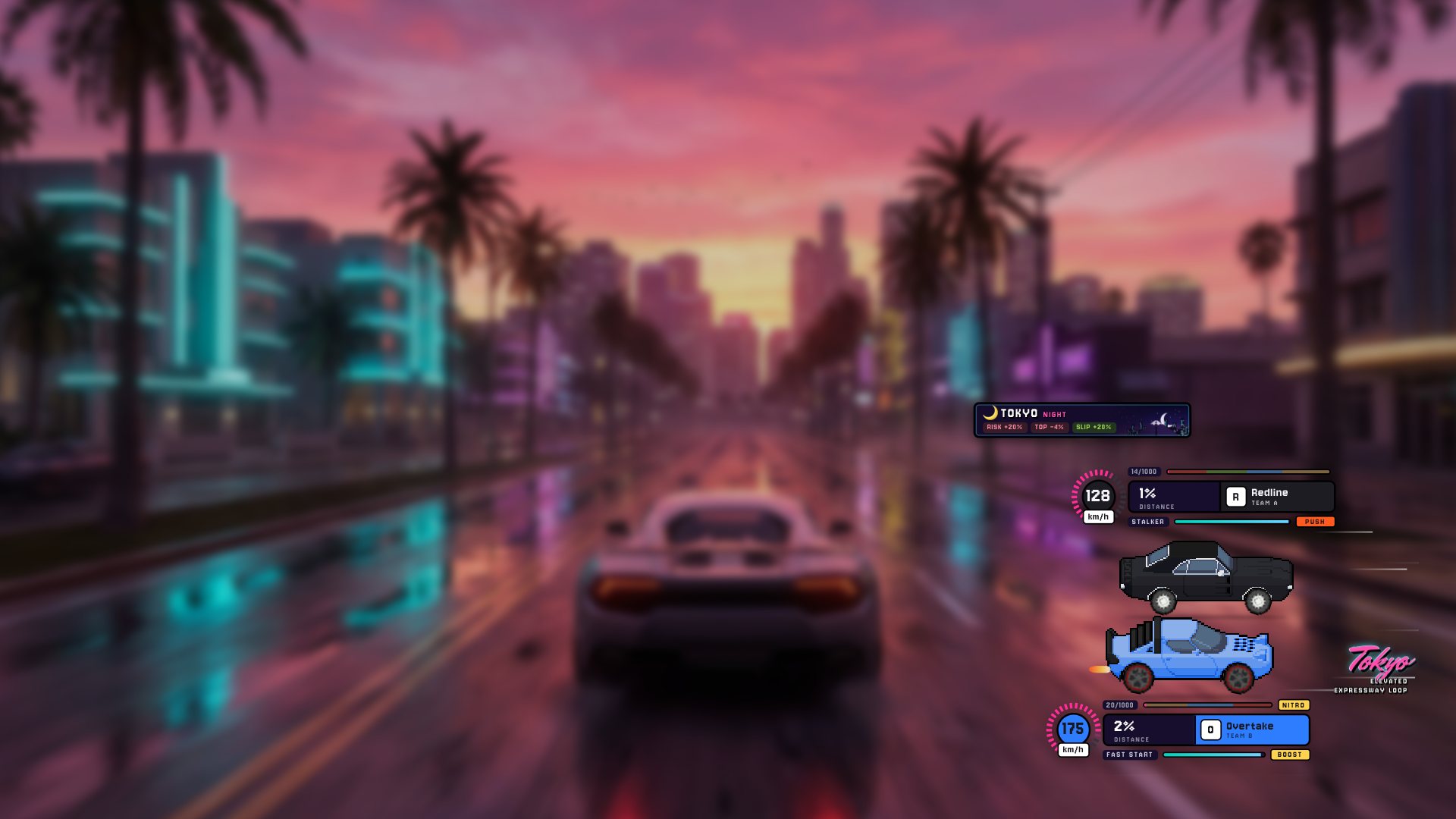
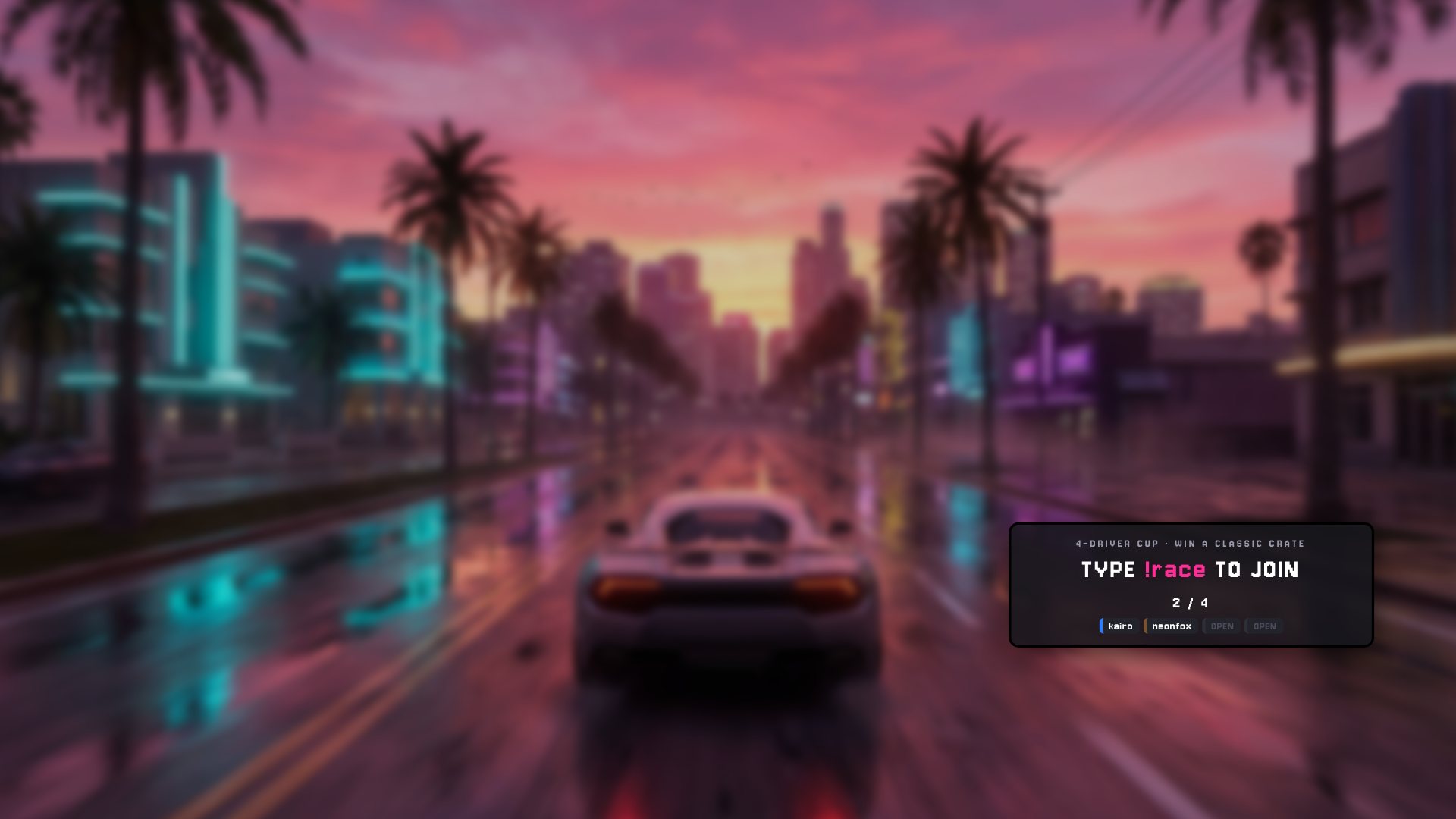
The overlay is transparent: the cars and the speed bars sit straight over your game, and the rest of the box lets the game through. Put it where your game has nothing important - a lower corner is a good start.
YOUR CUP
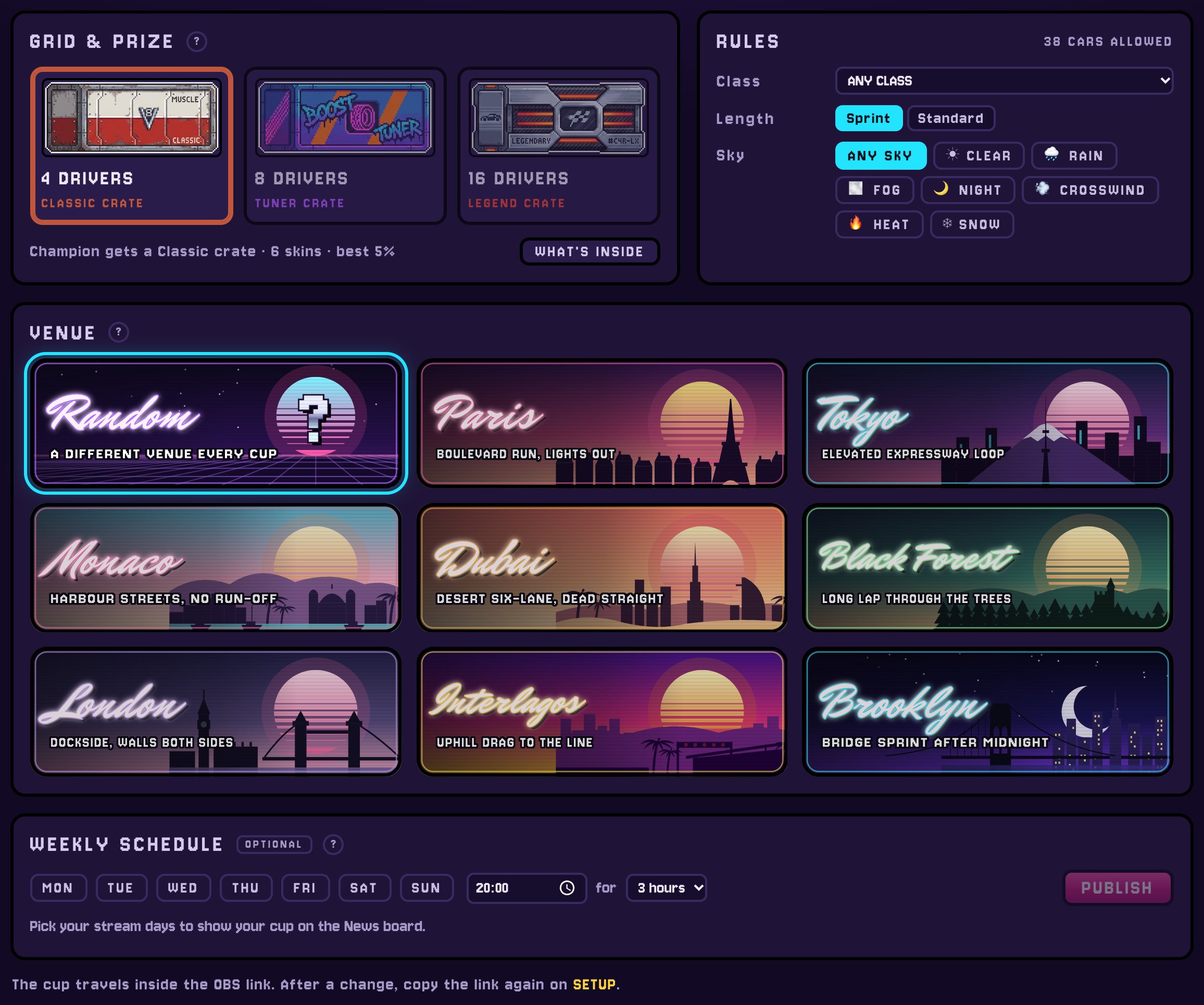
The CUP tab sets the cup that !cup opens.
- Grid & prize: 4, 8 or 16 drivers. The champion wins a Classic, Tuner or Legend crate.
- Rules: which cars may enter (any class, or up to one), Sprint or Standard length, and the sky.
- Venue: one of the eight, or a different one every cup.
- Weekly schedule (optional): your stream days, shown on the News board.
- The cup travels inside the OBS link: after a change, copy the link again and paste it into OBS.
RUN RACES
You and your mods open races from chat. Viewers only join: they type
!race, and each of them races the car from their own garage.
VIEWERS
- !race
- take a seat - first come, first seated
- !garage
- where their account lives
- !game
- who made the game
YOU AND YOUR MODS
- !cup
- your cup - the champion wins a crate
- !duel
- one on one
- !group
- six drivers, or
!group 4 - !startcup
- start now: house cars fill the empty seats, no crate
- !stoprace
- call off whatever is on screen
- !testrace
- check the overlay works
- A cup is a knockout of one-on-one races. It starts by itself when the grid is full, and the champion's crate goes to their account - they open it on this site.
- Duels and group races are for fun: no crate, but every race pays its drivers credits, even a loss.
- Nobody turns up? The event calls itself off after a few minutes and the source goes empty.
OVERLAY LOOK
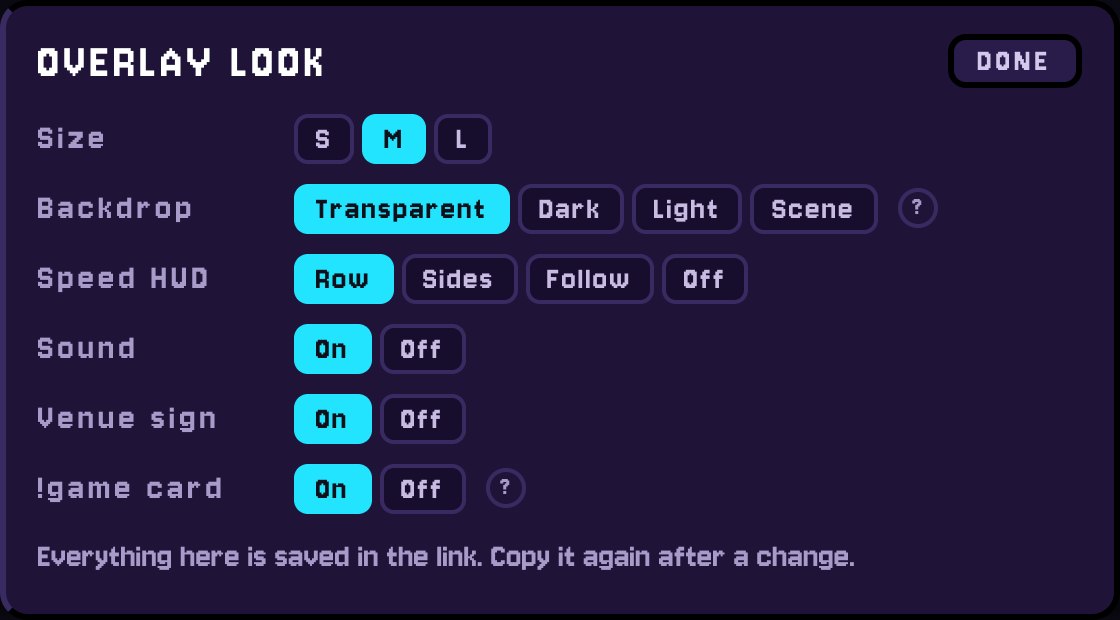
Press LOOK next to COPY LINK.
- Size S, M or L - the width and height the Studio shows change with it.
- Backdrop: Transparent puts the cars over your game; Scene draws each race's venue and sky behind them as a framed picture.
- Speed HUD in a row, at the sides, following the cars, or off.
- Sound (engines and the start) on or off, the venue sign, and the !game card.
- Everything here is saved in the link: copy it again after a change.
IF SOMETHING IS WRONG
Nothing shows in OBS.
Paste the newest link - old ones stop after NEW LINK. Use the width and
height from the Studio, and type !testrace as yourself or a mod.
I changed a setting and OBS still shows the old one.
OBS keeps the link it was given. Copy the link again in the Studio and paste it into the browser source.
The Studio asks me to get the game.
Sign in as the channel you bought it for. On VGen or Booth, claim the order at lokyo.art/claim first.
I typed my channel wrong at checkout.
lokyo.art/fix with your order number moves it to the right channel, as long as it was never activated.
Viewers type !race and nothing happens.
Seats open only while a race is open (!cup, !duel,
!group), and the grid may already be full.
My link leaked on stream.
Press NEW LINK in the Studio. The old link stops working; paste the new one into OBS.
READY?
Activate, copy the link, type !testrace. Your viewers'
side of the game is in the player's guide.